Texting
Two-way texting inside the CRM, not bolted onto it
Clients answer texts. That is the whole reason agents text them — and the reason most of a brokerage's client conversations end up on personal handsets, invisible to the business that paid to create them. ProspectKeeper sends from your company number and files the thread on the client, so texting stops being the channel nobody can see.
The conversation on somebody's personal phone
A buyer texts your agent at nine at night to ask whether the offer went in. It is answered, it is fine, and it is now the only record of that exchange — sitting in a personal message app, on a personal number, belonging in practice to the agent rather than to the business. Nobody covering for them on Monday can read it. Nobody hands it over when they leave. And when a client later says "I told you weeks ago", there is no thread to check, because the thread was never anywhere the company could reach.
Why ProspectKeeper for this
All of it ships today on ProspectKeeper Connect at $99/month — and the pipeline itself is free to start on, for as long as you like.
The thread lands on the client, not the handset
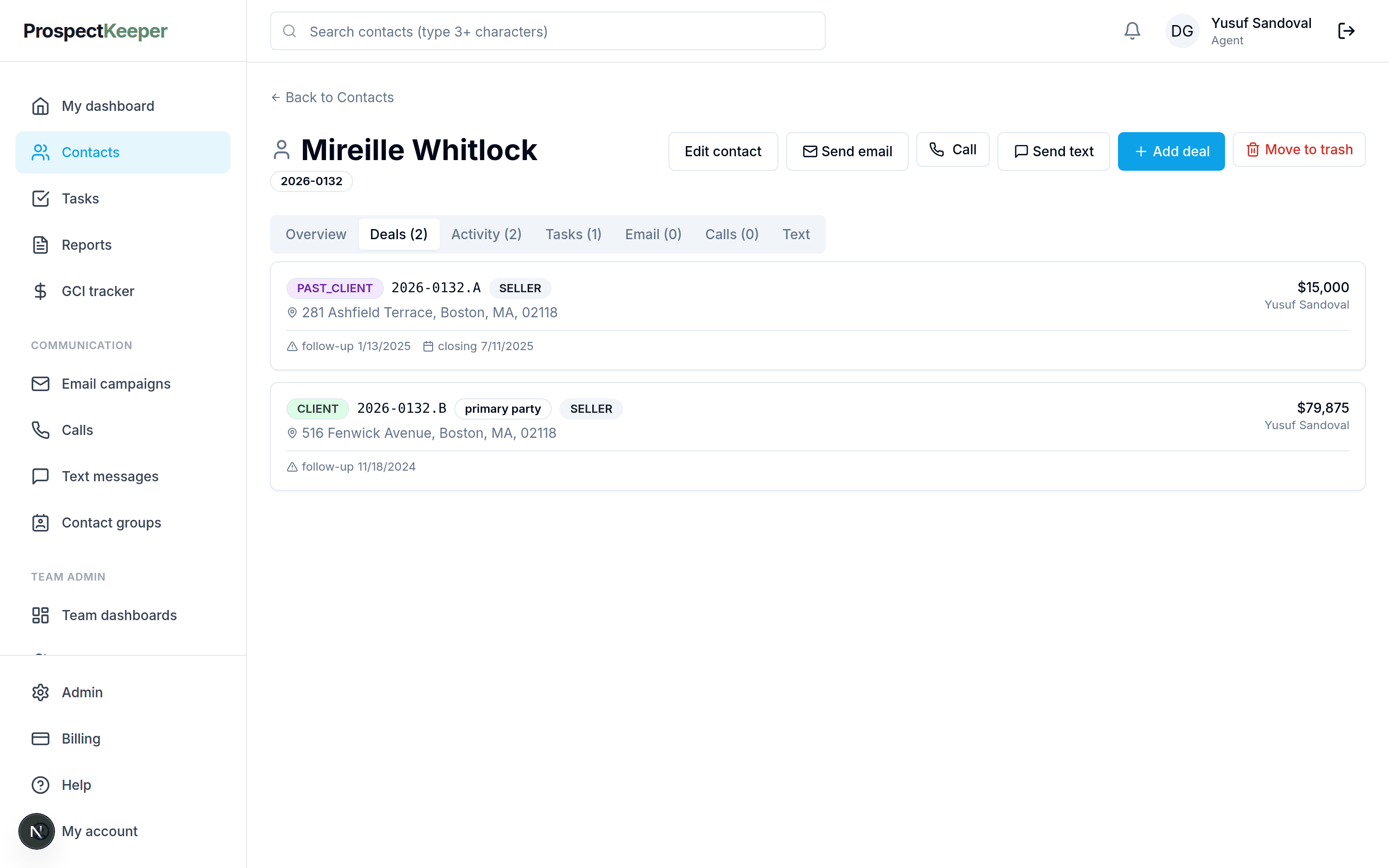
Texts are sent from the client's own record and the replies come back to it. Whoever opens that client next reads the conversation in order alongside the calls, the emails and the deals — rather than asking the agent to screenshot their phone.
One company number, for texting and calling both
The number you provision handles voice and SMS, so a client who gets a call and a text from you sees the same number twice rather than two unfamiliar ones. It also means the number belongs to the company, which is the difference between a client relationship and a personal contact list.
Campaigns and one-to-one on the same rails
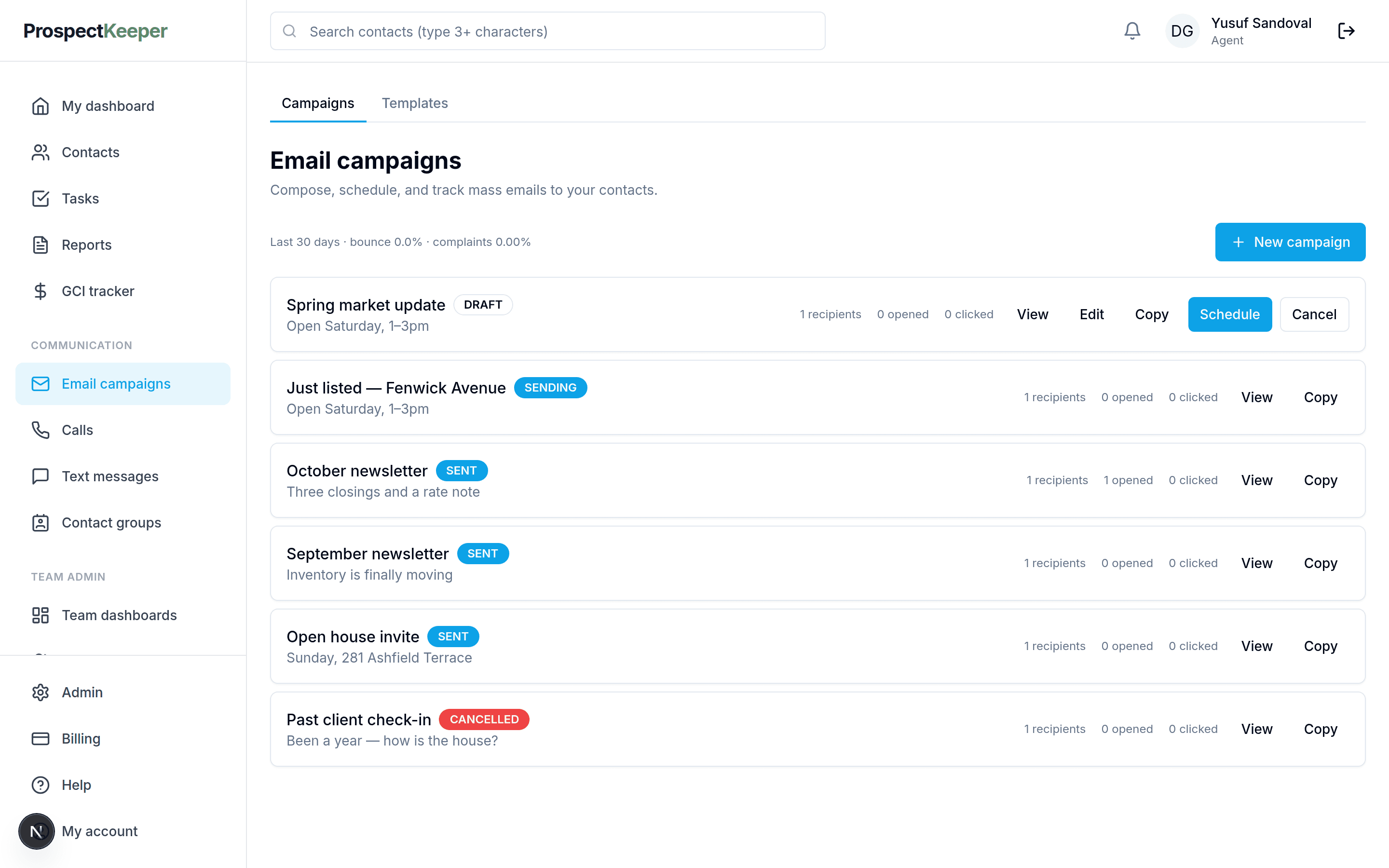
Send to one person from their record, or run a text campaign against an audience group. Both draw on the same number, the same prepaid balance and the same activity history, so a campaign send is visible on the record next to the individual reply it produced.
Opt-outs are handled, not remembered
STOP is honoured and the suppression is kept against the contact, so a colleague cannot text someone who has opted out by working from a different list. Do-not-contact on the CRM record is respected by sends rather than being a note somebody has to notice.
How it works
From nothing set up to using it on a Tuesday.
Provision a number and register it
Your company gets a dedicated number. US carriers require the sender to be registered before application traffic is delivered, so provisioning includes that registration and carries a one-time setup fee.
Top up the prepaid balance
Texting draws on the same wallet as calling. Set an auto-top-up threshold if you would rather not think about it; each message is charged as it goes.
Text from a record or a group
Send from the client's file for one-to-one, or pick an audience group for a campaign. Templates and merge fields are shared with email, so you are not rewriting the same message twice.
Replies come back to the record
Inbound messages attach to the contact they came from and show up in the text inbox. A reply to a campaign is a conversation on that client's file, not an orphaned message in a marketing tool.
Opt-outs and DNC apply themselves
A STOP suppresses the contact, and do-not-contact set on the CRM record is respected by every send after it. Compliance stops depending on whoever is sending remembering.
What you stop running alongside the CRM
Texting is the channel most often bolted on, and it is the one where being bolted on costs the most: an outside SMS tool has its own contact list, its own opt-outs and its own history, none of which the CRM can see.
A separate SMS platform
One contact list rather than two that quietly disagree about who has opted out.
A second business number
The same provisioned number carries calls and texts, so clients see one number from you.
Personal phones doing company work
The thread belongs to the client record, which is what makes it survive an agent leaving.
The opt-out spreadsheet
Suppression lives on the contact and applies to every send, including campaigns.
What it does not do
Worth knowing before you spend a week moving in. A switcher finds these in the first fortnight anyway, and hearing them from us first is cheaper for everyone.
- Texting needs a provisioned number and carrier registration, which carries a one-time setup fee before the first message can go out.
- US carrier registration takes time to approve. It is not instant on the day you sign up.
- Numbers are provisioned through the product — an existing business number cannot be brought across today.
- There is no native mobile app; texting is done in the browser.
- An existing contact list comes in from a spreadsheet; there is no sync from another CRM or a phone’s address book.
Questions
Do texts really come back into the CRM?
They do — an inbound message attaches to the contact it came from and appears on that client's record and in the text inbox. That round trip is the point of putting texting inside the CRM rather than beside it, so a colleague picking the client up reads the same conversation the sender had.
Can I use my existing business number?
Texting runs on a number provisioned through ProspectKeeper, which is what lets the product route replies to the right record and handle opt-outs. Bringing an existing number across is not supported today, so plan on publishing the new one.
What about 10DLC and consent rules?
Registration is part of provisioning — US carriers require application senders to be registered, and the setup fee covers it. Consent, quiet hours and opt-out handling are your obligations as the sender; the guide below covers what those actually require, and STOP suppression is enforced by the product.
Can I send to a group rather than one person?
Text campaigns run against the same audience groups email campaigns use, so a list you build once serves both. Replies still land on the individual client's record, which is usually where a campaign becomes an actual conversation.
What happens when an agent leaves?
The threads stay, because they were filed on the clients rather than on a handset. Whoever takes the client over reads the full history — which is the reason to keep client texting off personal phones in the first place.
How is texting billed?
Per message, from the prepaid wallet, at a low cost-based rate — the same balance calling draws on. A quiet month costs less than a busy one, and there is no per-seat texting fee on top of the plan.
Read next
Try it against your own pipeline
Free to start. Set up your company, add your clients and work the list.